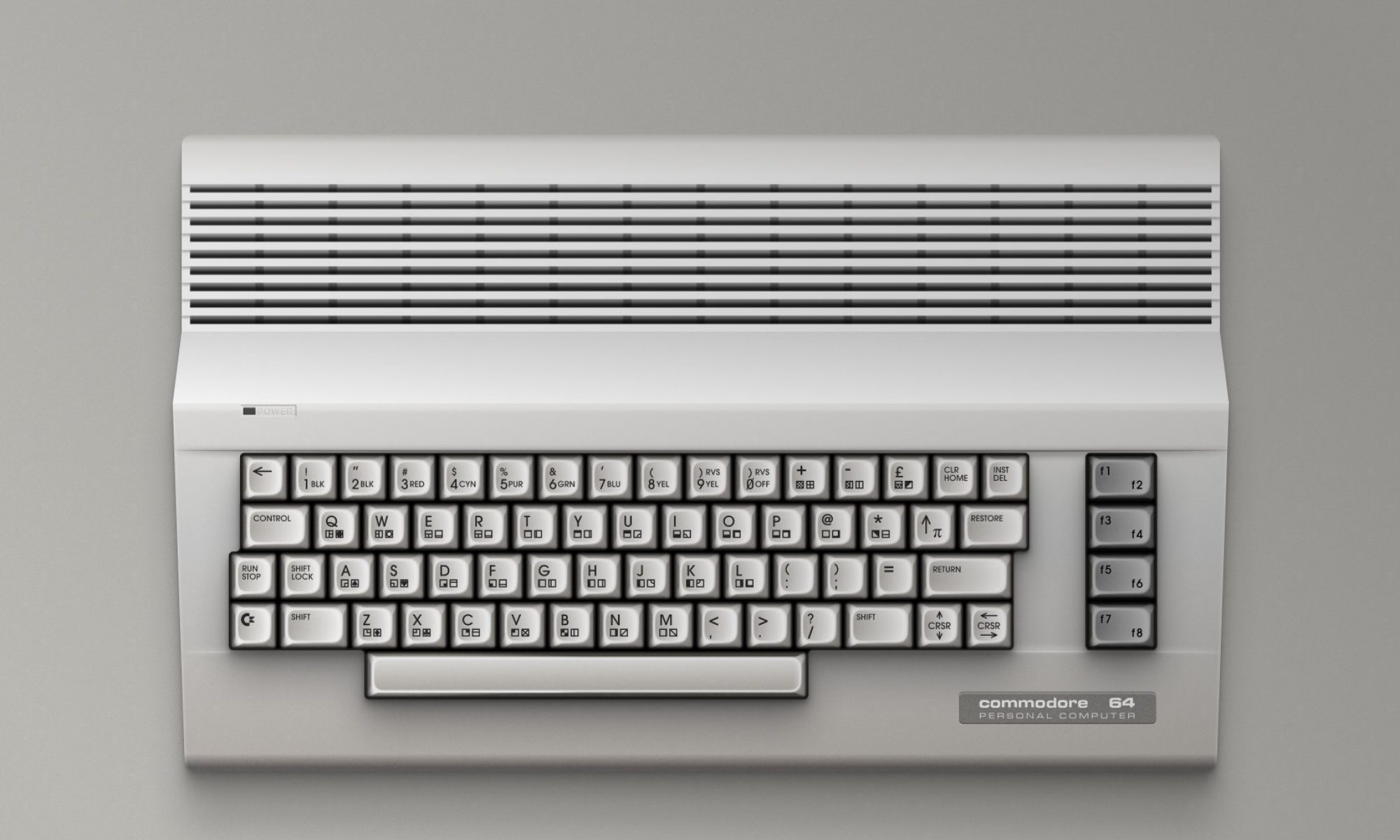

Dir Browser is a lightweight, intuitive program launcher designed for Commodore 8-bit machines. Developed by Francesco Gramignani (known as “Graham”), this tool reimagines how users interact with legacy hardware, offering a streamlined experience for browsing directories, mounting disk and tape images, and launching programs—all with remarkable ease.

Purpose and Philosophy
At its core, Dir Browser is about accessibility and speed. It was built to complement SD2IEC devices, which emulate disk drives via SD cards, but it also supports traditional Commodore drives. Whether you’re a retro enthusiast or a seasoned developer, Dir Browser simplifies the process of navigating file systems on vintage machines.
Supported Platforms
Dir Browser runs on a wide range of Commodore systems, including the C64 (with Fast Load support), VIC-20 (with or without memory expansion), C128 (in both 40 and 80 column modes), and the 264 series (such as the C16 and Plus/4). This broad compatibility ensures that nearly every Commodore user can benefit from its features.
Key Features
Dir Browser automatically detects connected devices and uses cache memory to accelerate directory browsing. It remembers cursor positions, displays full disk metadata (including name, ID, and file count), and shows file sizes—except on the VIC-20 due to hardware limitations. Users can search files quickly by their first character, enjoy optimized alphabetical sorting, and take advantage of dual joystick support where available. Fast scrolling and on-screen buttons make navigation even more fluid. The software also recognizes file extensions to auto-mount disk and tape images, reducing setup time and user effort.
Supported File Types
Dir Browser handles a variety of disk and tape image formats, including .d64, .d71, .d81, .d41, .m2i, .dnp, and .tap. This versatility allows users to work with nearly any archive or software collection they might encounter in the Commodore ecosystem.
Installation
Installing Dir Browser is straightforward. Users simply extract the contents of the “bin” folder from the downloadable ZIP file and place them in the root directory of their SD card. Once inserted into an SD2IEC interface, the software is ready to use.
Community and Development
The project is actively maintained, with regular updates and documentation available in both English and Italian. Feedback is welcomed, and the developer engages with users to refine the experience. Dir Browser is more than just a tool—it’s part of a growing community dedicated to preserving and enhancing the Commodore legacy.
Discover more from The Universe of Commodore 64
Subscribe to get the latest posts sent to your email.
