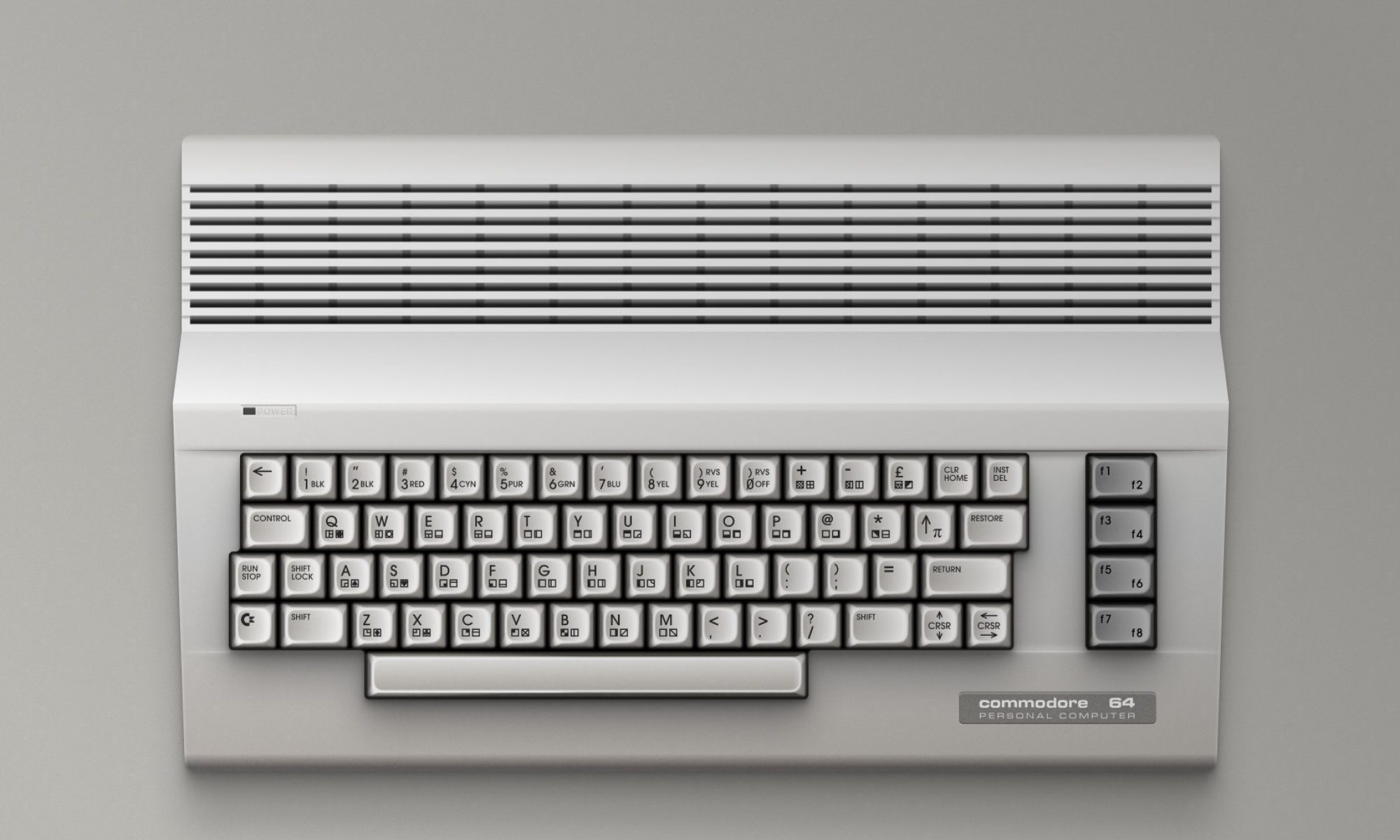
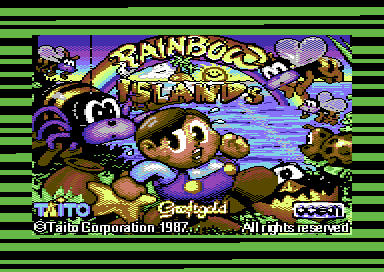
In the early 1980s, the Commodore 64 became one of the most beloved home computers of all time. For millions of users, the journey into digital worlds began not with instant access, but with the slow, deliberate ritual of loading software from cassette tapes. This process was more than just a technical necessity—it was an experience in itself.
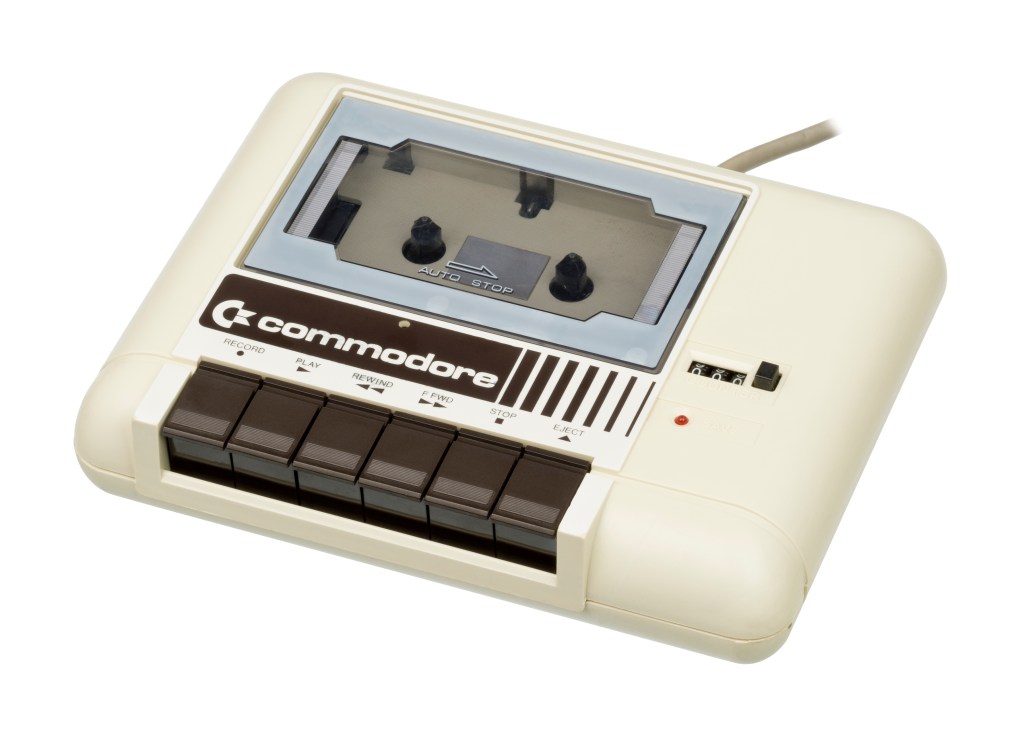
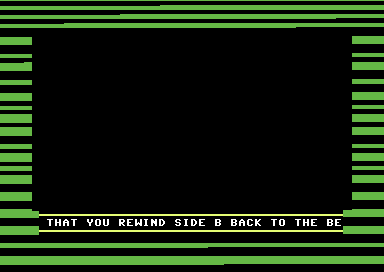
As the Datasette whirred and emitted its distinctive screeches, the screen came alive with colorful horizontal stripes. To the uninitiated, these patterns might have looked like random noise. But to C64 owners, they were a reassuring sign that the machine was alive, reading data, and preparing to transport them into a new game or program.
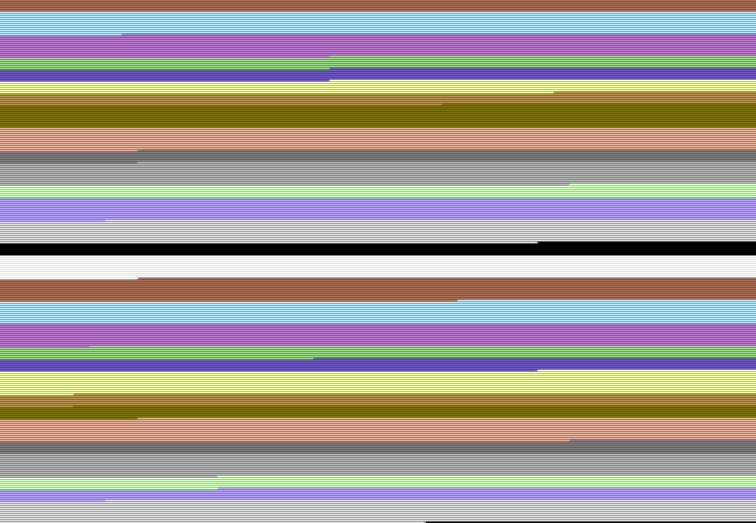
These “loading stripes” were not only functional, providing real-time feedback during the lengthy loading process, but also became a cultural icon of the era. They embodied the unique blend of sound, vision, and anticipation that defined home computing in the 1980s. What began as a simple technical trick evolved into a visual language of its own—one that still sparks nostalgia today.
The World of Cassette Loading
- One of the most common storage devices for the Commodore 64 was the Datasette, which stored programs on ordinary audio cassettes.
- Data was encoded as audio waveforms, similar to how modems transmitted information.
- Loading was slow (often 5–10 minutes), so users needed visual feedback to know the computer was working.
What the Horizontal Stripes Meant
- The colorful horizontal stripes on screen were real-time indicators of data processing.
- No stripes → the machine was searching for the sync signal.
- Stripes visible → actual data was being read into memory.
- The exact look of the stripes depended on the loader routine, so each publisher or developer had their own “style.”
Technical Background
- The C64’s VIC-II graphics chip controlled the screen border color via memory address $D020 (53280).
- Loader routines simply modified this value during data reads:
INC $D020→ incremented the border color step by step.LDA $D020 : EOR #$05 : STA $D020→ alternated colors using XOR.
- This required minimal CPU time, so it didn’t slow down loading.
- Richard of TND noted that using thin stripes with a black border (similar to the X-Out loader) gave a more professional look
Sound and Vision Together
- The screeching, chirping noises from the tape were the actual binary data encoded as sound.
- The stripes and the sound together formed a kind of audiovisual feedback system.
- If the stripes stopped or the sound broke, users knew something was wrong (often a misaligned tape head).
Variations of Loaders
- Basic stripes: the standard for most commercial software.
- Block color changes: e.g. Ocean’s Freeload, which switched border colors after each successful block.
- IRQ loaders: advanced routines using interrupts for faster, more stable loading.
- Turbo loaders: much faster, but often less reliable in mass duplication, so many publishers stuck with slower but safer systems like Novaload or Visi Load.
Why Horizontal Stripes?
- TVs and the VIC-II chip drew the screen line by line horizontally (the raster beam).
- Changing the border color mid-frame naturally produced horizontal bars.
- Vertical bars were technically possible but required exact timing and heavy CPU use, so they were impractical for loaders.
Fun Facts
- Some loaders could have displayed percentages or text, but most developers prioritized speed and simplicity.
- The stripes also acted as a diagnostic tool: no flicker meant the tape wasn’t being read correctly.
- Today, “loading stripes” are a retro computing icon, often recreated in emulators and demos.
Discover more from The Universe of Commodore 64
Subscribe to get the latest posts sent to your email.

One Reply to “”