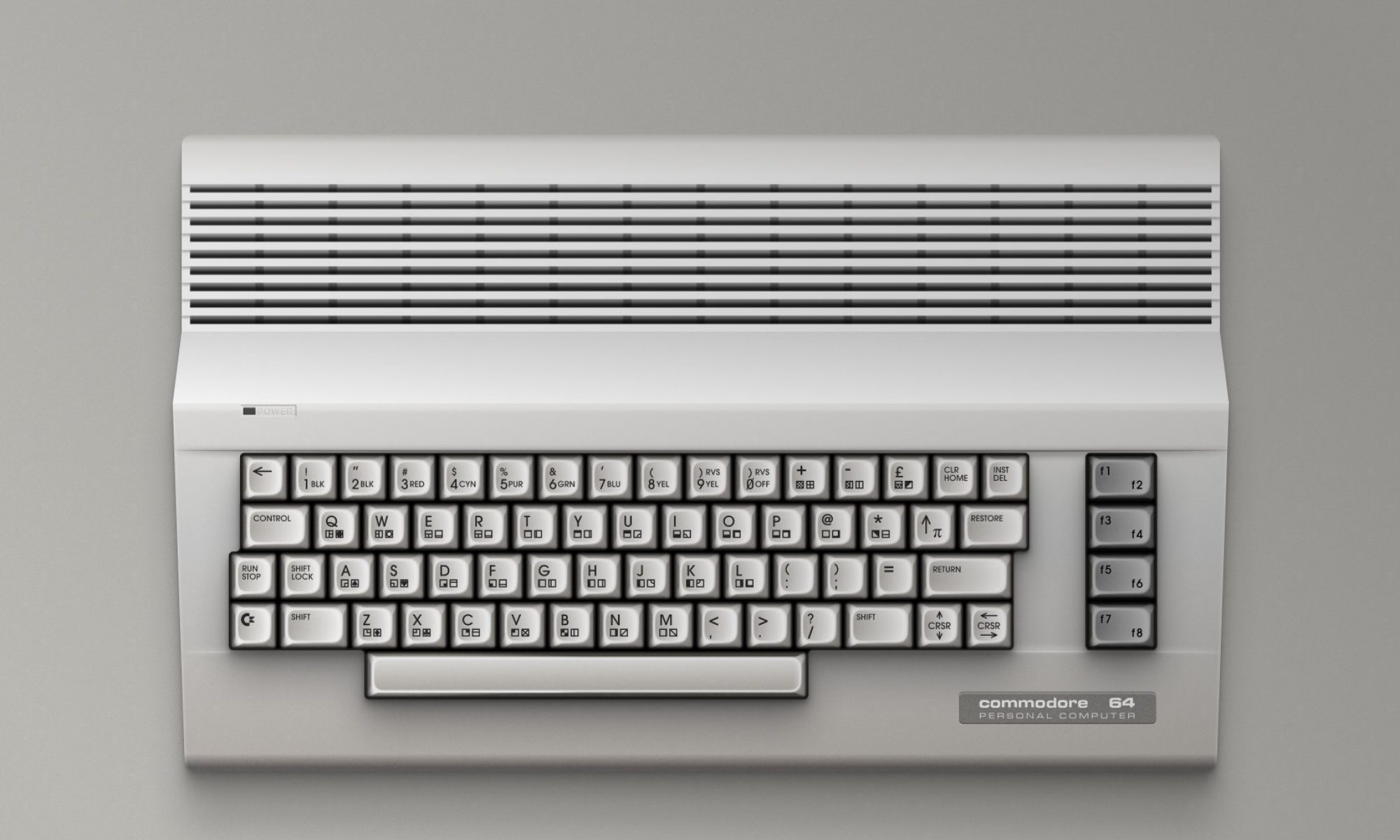
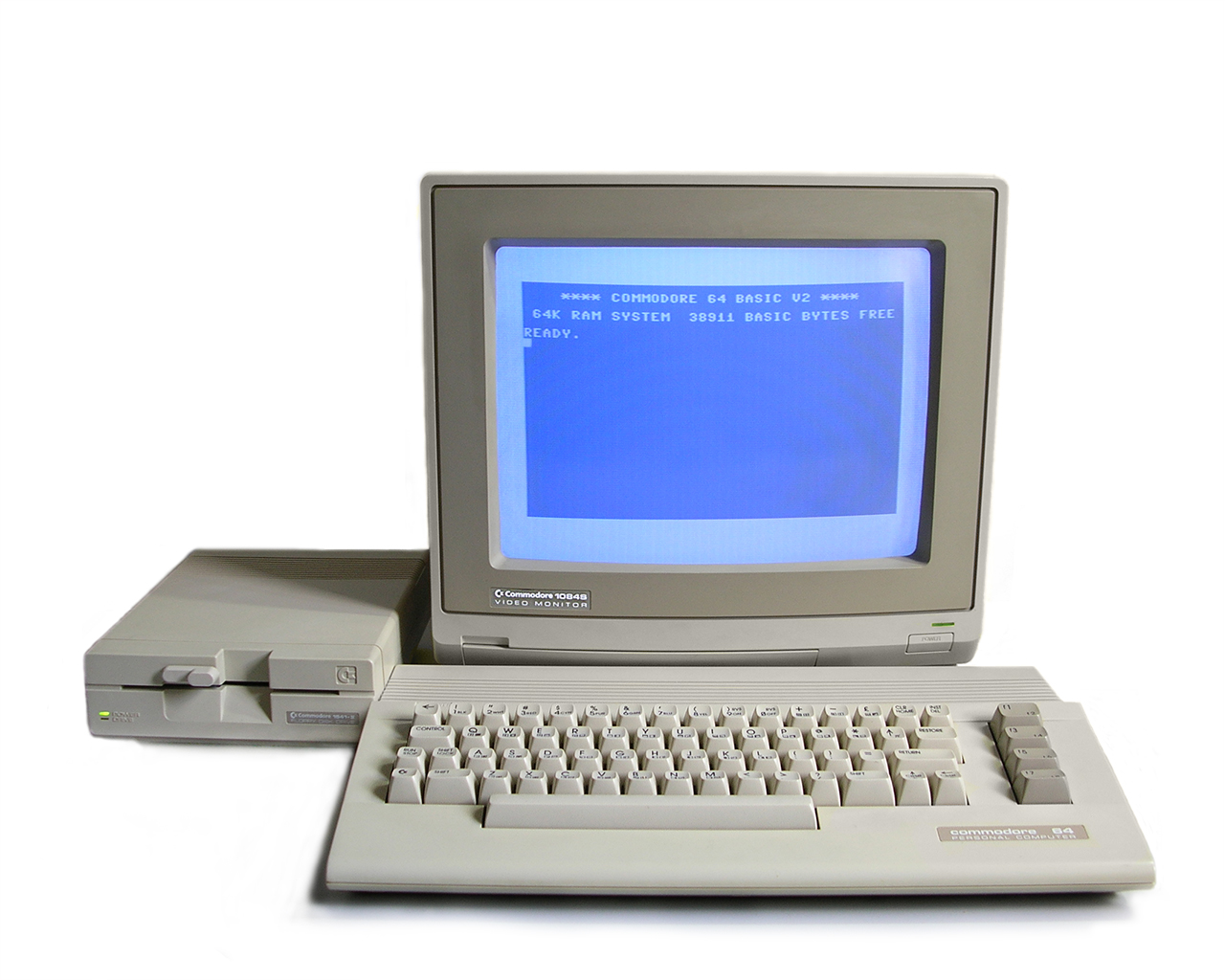
The Commodore 64 is more than just an old computer – it’s a whole era of memories and experiences.
Whether you’ve never seen one before or only faintly remember the squeal of a cassette loading, this guide will walk you through your first steps. In just a few minutes, you’ll understand the machine – and soon you’ll be playing its legendary games, either on original hardware or with an emulator.
1. What is the Commodore 64?
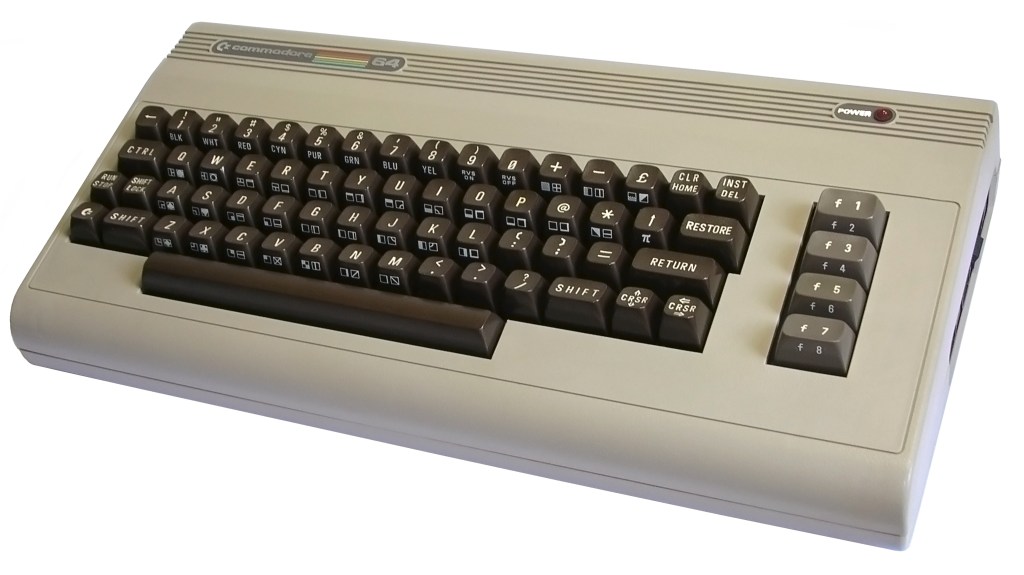
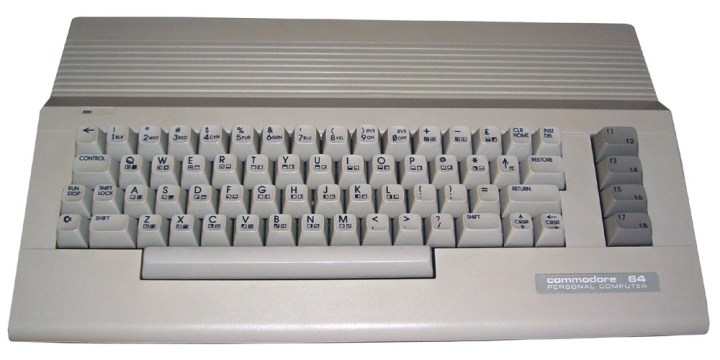
Released in 1982, the C64 became the best‑selling home computer of all time, with an estimated 17 million units sold worldwide. It combined affordability, a robust library of games, and surprisingly powerful graphics and sound for its era. For many, it was the first step into coding, gaming, and digital creativity.
2. How to Get One Today
Bring the Commodore 64 into your home – guides, curated games, modern tips. Start here.


You have two main options:
- Real hardware: Original C64 units (plus re‑creations like the C64 Mini/Maxi) can be found second‑hand. These offer the authentic feel, but may require extra effort for setup and maintenance.
- Emulators: Programs like VICE or online emulators replicate the C64 experience on modern PCs, Macs, and even phones. Easier to start with, and they let you save/load instantly.
3. First Setup


- For real hardware: Connect the power supply, plug in to a TV or monitor (often via composite or HDMI adapter), and connect a joystick or keyboard.
Using Real Hardware – Step by Step
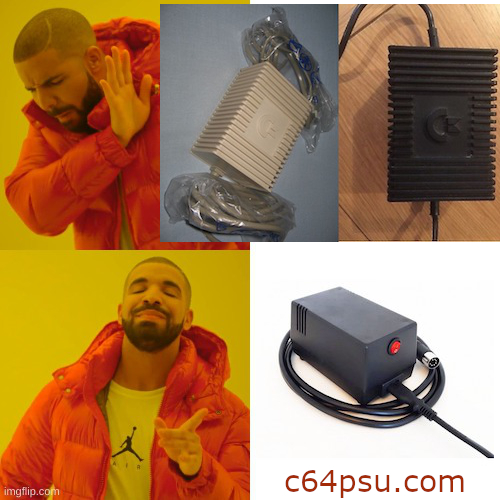
- Safety first – Inspect the power supply and cables for wear or damage. If your C64 still has its original PSU, consider replacing it with a modern, safer reproduction.
- Connect the power supply – Plug it into the C64’s rear power port, but don’t switch it on yet.
- Set up video output –
- Classic TV: Use an RF (antenna) or composite video cable.
- Modern TV/monitor: Use a composite‑to‑HDMI converter or other suitable adapter.
- Plug in controls – Connect an Atari‑standard joystick (usually in the right‑hand port for most games) or just use the built‑in keyboard.
- Power on – Turn on the TV/monitor first, then the C64. The blue BASIC welcome screen means everything is working.
- Load your first game –
- Cassette: Type
LOAD""then press RETURN, and press Play on Tape. - Floppy disk: Type
LOAD"*",8,1then press RETURN.
- Cassette: Type
- For emulators: Install, load the ROM (BIOS), and configure controls. Tip: Keep manuals or PDF guides handy for quick troubleshooting.
Using an Emulator – Step by Step
- Download an emulator – For example, VICE works on Windows, Mac, and Linux.
- Install and launch – Follow the installer, then select the C64 profile from the emulator’s menu.
- Load the ROM (KERNAL/BASIC) – Most emulators include these; if not, obtain them legally from trusted sources.
- Configure controls – Map keyboard keys to joystick directions/buttons, or use a USB joystick for a more authentic feel.
- Load a game –
- Choose a
.D64(disk image) or.TAP(cassette image) file. - Many emulators have an Autostart feature that loads and runs the game instantly.
- Choose a
- Extra tips –
- Keep PDF manuals handy for BASIC commands and game instructions.
- Use save states so you can resume exactly where you left off.
4. Cassette & Floppy Magic


Back in the day, games came on cassettes or 5¼‑inch floppy disks. Loading a game could take several minutes – and often included colourful loading screens or mini‑games.
How to load:
- On real hardware: Type
LOAD"*",8,1(for floppy) orLOAD(for cassette), then press RETURN and, for cassette, press Play on Tape. - On emulators: Simply select and load the game file (.TAP for cassettes, .D64 for floppies) from the menu.
5. Top 10 Beginner‑Friendly Games
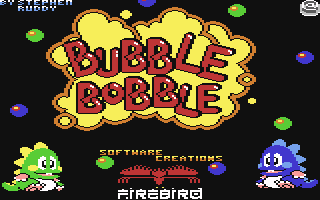




- Bubble Bobble – Two dragons, endless fun.
- California Games – Surf, skate, and BMX with style.
- The Great Giana Sisters – Platforming classic.
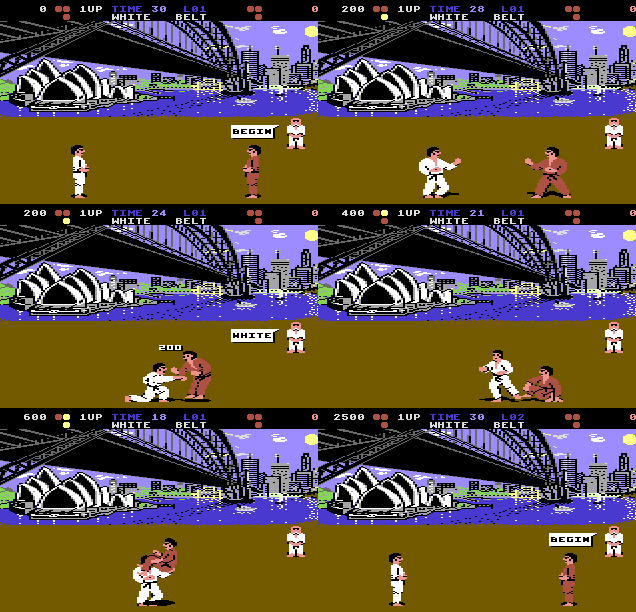
- International Karate+ – Fast, colourful martial arts.
- Uridium – Slick scrolling shooter.
- Impossible Mission – Puzzle‑platform espionage.
- Winter Games – Olympic‑style challenges.
- Creatures – Cute but surprisingly tough.
- Turrican – Expansive run‑and‑gun adventure.
- Pitstop II – Split‑screen racing thrills.
6. Where to Find Legal Content

Homebrew community – New games made today, often free or donation‑based.
- C64 Homebrew Collection on itch.io – Curated set of modern C64 titles, from free to premium.
- Protovision on itch.io – Leading modern‑day C64 publisher (Sam’s Journey, Space Moguls, Wormhole).
- Psytronik Software on itch.io – Wide range of new C64 games, from platformers to adventures.
- RGCD.DEV on itch.io – Cartridge releases and competition entries.
Official re‑releases – Check publishers’ sites and platforms like itch.io or Steam.
- Top released C64 games on itch.io – Includes official remasters like Hunter’s Moon Remastered.
- C64 & AMIGA Classix Remakes Sixpack on Steam – Six classic titles rebuilt for modern systems.
- RetroGamerNation’s C64 itch.io database – Developer/publisher index for the active C64 scene.
Public domain collections – Curated archives where copyright has expired.
- C64 games published by Public Domain – C64online.com – Play in‑browser from a 7,000+ game library.
- Commodore 64 Games by Public Domain – Lemon64 – Database filter for PD‑released titles.
7. Next Steps
Join a C64 community to share tips, get help, and discover hidden gems. Participate in themed challenges, high‑score competitions, or game jams.
